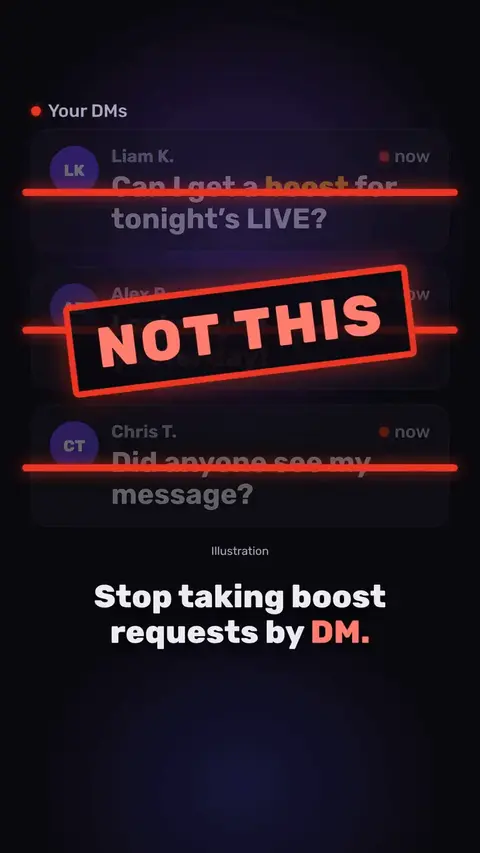
Boost requests in Devign Agency Suite
A short walkthrough of how a creator requests a boost in Devign Agency Suite and how the owner sees and gifts boosts.

In short: A creator asks for help with a flagged LIVE, the agency staff answer in the appeals queue, and the status stays visible to both sides.
Some presenters in the videos below are Devign digital creators, made with AI, not real people.
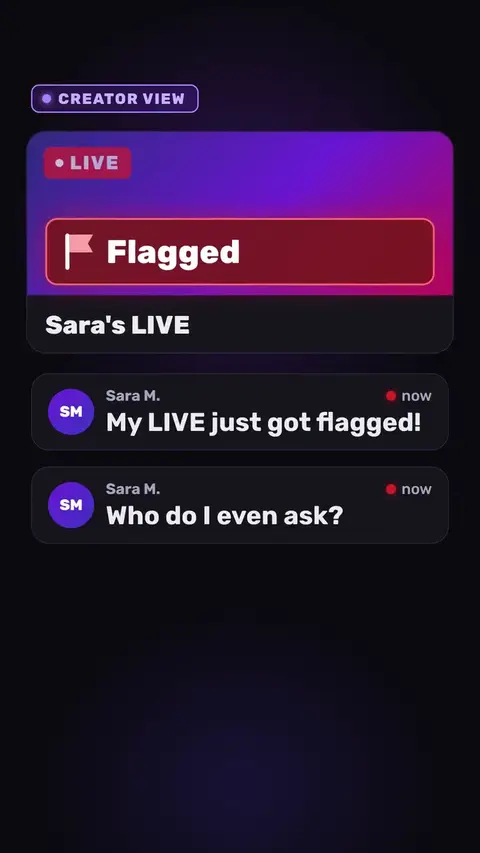
This is a tutorials video made by Devign Studio, in English, 0:36 long and cut vertically for TikTok, Instagram Reels and YouTube Shorts.
Spoken in English.
My LIVE just got flagged! Who do I even ask? No idea, man. In Devign Agency Suite, your creator taps Get help. Pick a topic, say what happened, send. Now, the agency side. The request lands in the appeals queue. Staff open it, reply, and set the status: in review, then resolved. Back on the creator's phone, the reply is waiting, and the status is always visible. Nothing gets lost in a chat. Support and appeals, in one place.
Devign Agency Suite. Devign Agency Suite is an iPhone and Android app for TikTok LIVE agencies: roster, monthly diamonds, LIVE hours and valid days, levels and creator pay.
Devign is a software studio and TikTok LIVE agency in Lebanon. Devign Studio makes the videos, and the apps and the creator agency come from the same team.
A short walkthrough of how a creator requests a boost in Devign Agency Suite and how the owner sees and gifts boosts.
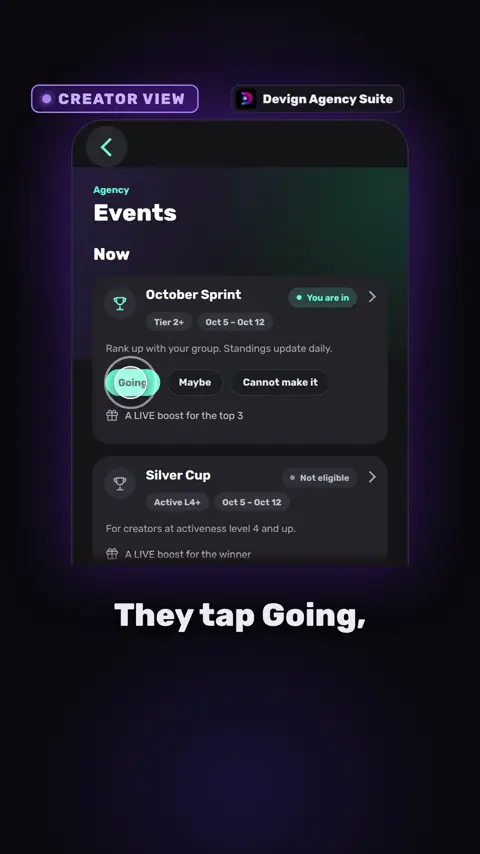
Staff create an event or competition such as a weekend sprint, creators join it, and staff award the prize when it ends.
A creator fills in the opponent's TikTok handle, a preferred time and details to request a PK match, and the agency arranges it from there.
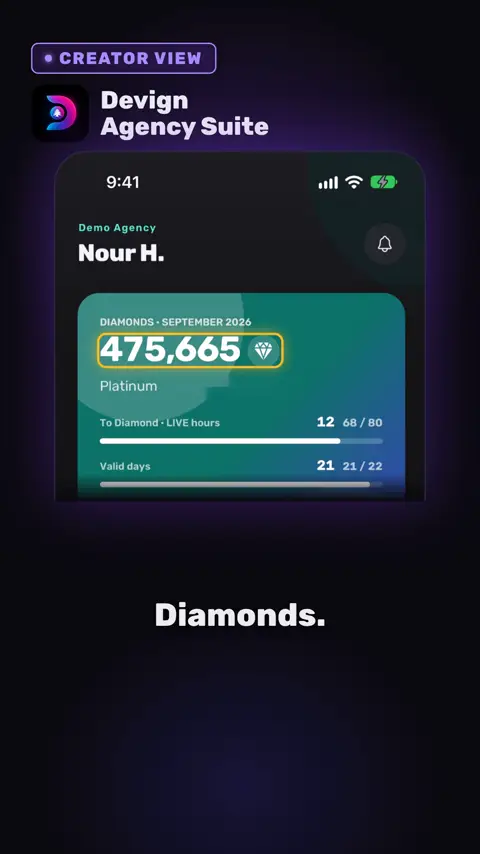
A creator opens the app and sees diamonds, LIVE hours and valid days for the month, with the figures refreshing through the day, so staff get fewer questions.
Contact us
Every project is quoted to fit. Share your brief and we will come back with a custom quote.
Review your WhatsApp message before sending it.