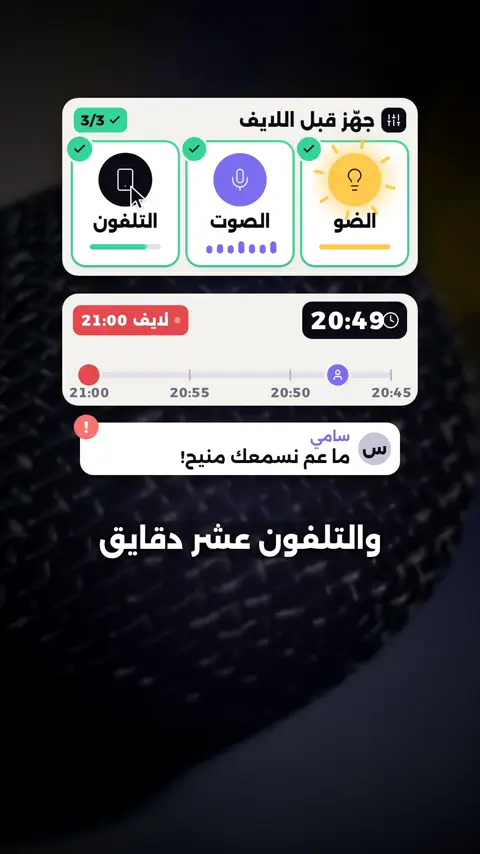
3 behind-the-scenes habits that make LIVE easier
Set up light, sound and phone ten minutes early, write three points on a note so you never run out of words, and after each LIVE note one thing that worked and one to change.

In short: Keep the trending format but tell your own story with it, add one thing only you do such as your voice or setting, and end by telling viewers when your next LIVE starts.
Some presenters in the videos below are Devign digital creators, made with AI, not real people.
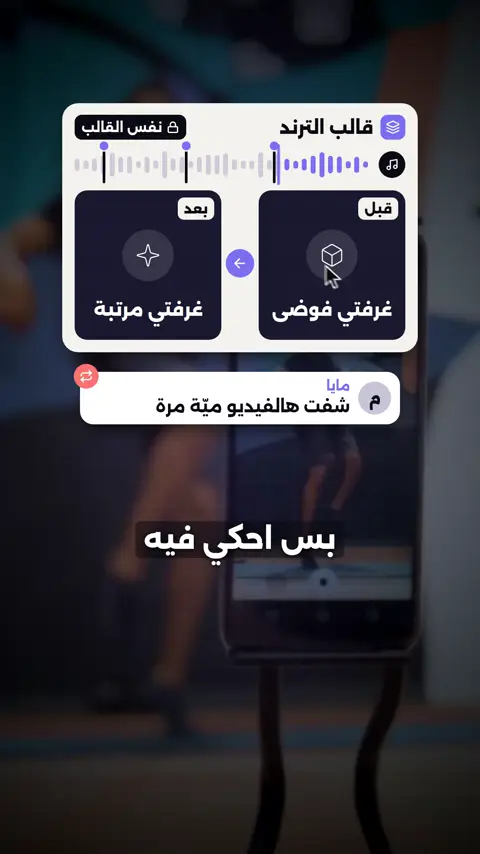
This is a tips and tricks video made by Devign Studio, in Arabic, 0:24 long and cut vertically for TikTok, Instagram Reels and YouTube Shorts.
Spoken in Arabic.
يا صناع المحتوى، بدك قوالب الترند تفيدك؟ في تلات طرق. واحد: خلّي نفس قالب الترند، بس احكي فيه قصتك إنت. إثنين: زيد شي واحد ما حدا بيعمله غيرك، متل صوتك أو مكانك. تلاتة: بآخر الفيديو، قول للناس إمتى لايفك الجاي. فريق Devign بيساعد صناع المحتوى يختاروا قوالب تناسبهم، ويربطوها بلايفهم.
Devign is a software studio and TikTok LIVE agency in Lebanon. Devign Studio makes the videos, and the apps and the creator agency come from the same team.
Set up light, sound and phone ten minutes early, write three points on a note so you never run out of words, and after each LIVE note one thing that worked and one to change.
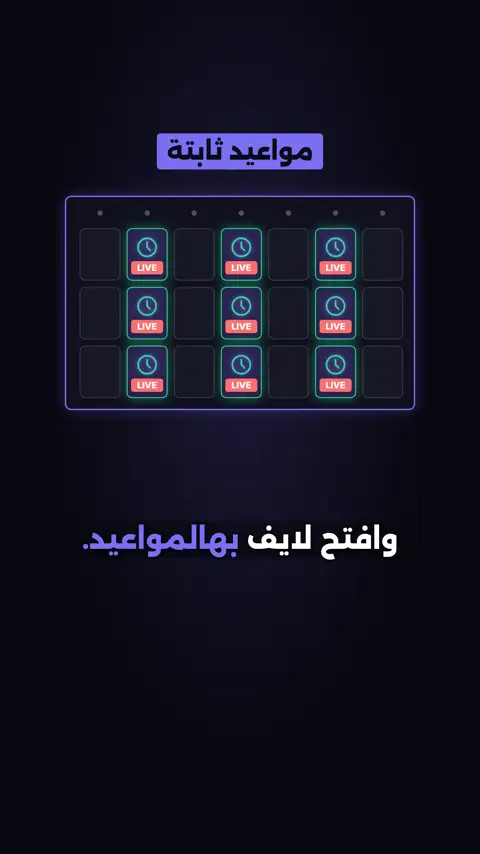
Stream at time slots you can keep every week, tell viewers when your next LIVE is and put it in your bio, and create a weekly segment such as a Friday question night.
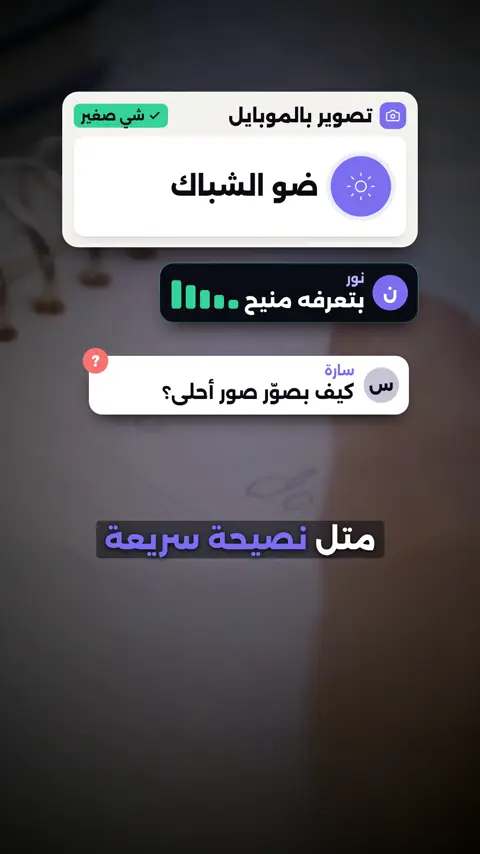
Teach one small thing you know well, turn a question from your comments into a short lesson, and show it step by step so viewers can try it with you.
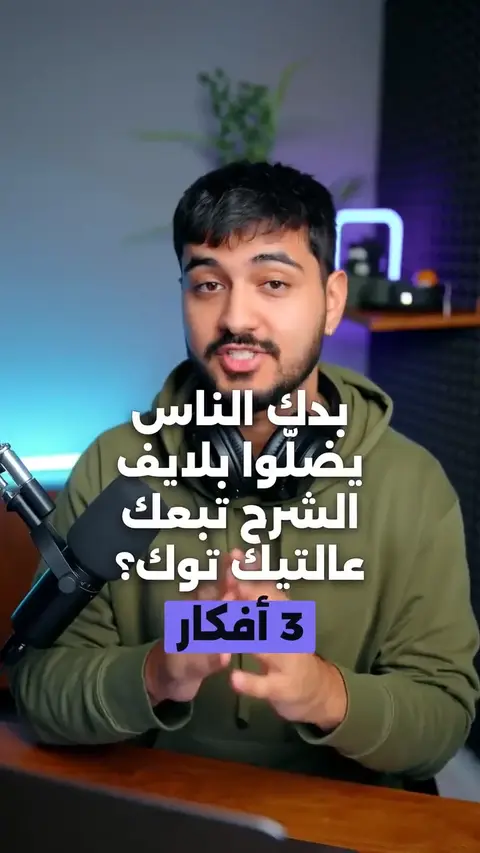
Arabic tips video on running a teaching LIVE: one topic, a first sentence that promises the outcome, answer questions as you go.
Contact us
Every project is quoted to fit. Share your brief and we will come back with a custom quote.
Review your WhatsApp message before sending it.