LIVE chat moving too fast? 3 fixes
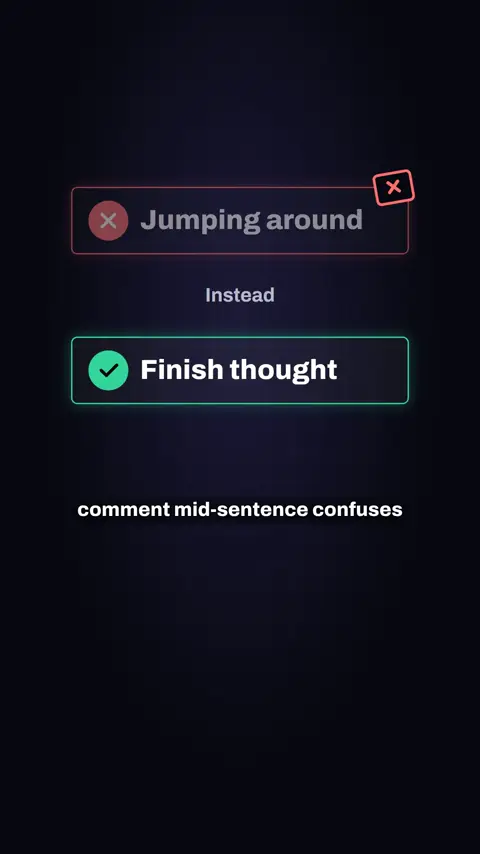
Finish your current thought first, group similar questions and answer them together, and pick one good question to answer fully before taking the next.

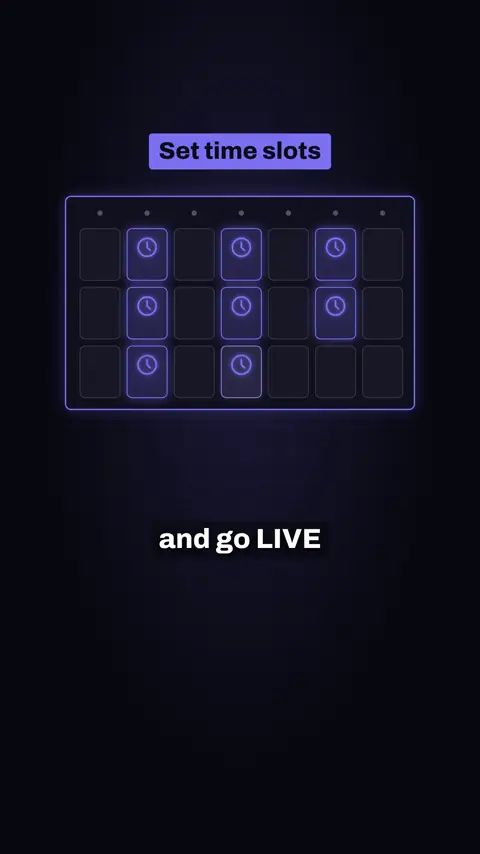
In short: Stream at time slots you can keep every week, tell viewers when your next LIVE is and put it in your bio, and create a weekly segment regulars look forward to.
Some presenters in the videos below are Devign digital creators, made with AI, not real people.
This is a tips and tricks video made by Devign Studio, in English, 0:26 long and cut vertically for TikTok, Instagram Reels and YouTube Shorts.
Spoken in English.
Want viewers who keep coming back to your LIVE? Here's 3 ways. One: Pick a few time slots you can actually stick to every week, and go LIVE at those times. Two: Before you wrap up, tell viewers exactly when your next LIVE is, and pop it in your bio. Three: Start one weekly segment your regulars can look forward to, like a Friday question night. That gives people a reason to come back. Devign's team helps you plan a schedule you can stick to.
Devign is a software studio and TikTok LIVE agency in Lebanon. Devign Studio makes the videos, and the apps and the creator agency come from the same team.
Finish your current thought first, group similar questions and answer them together, and pick one good question to answer fully before taking the next.
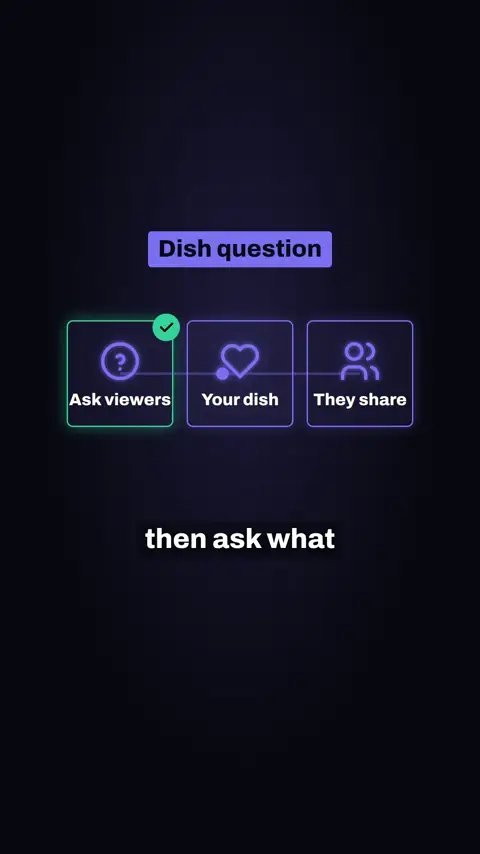
Ask what dish viewers love making, tell the story of your first try at it, and ask about a cooking habit from home without naming private people.
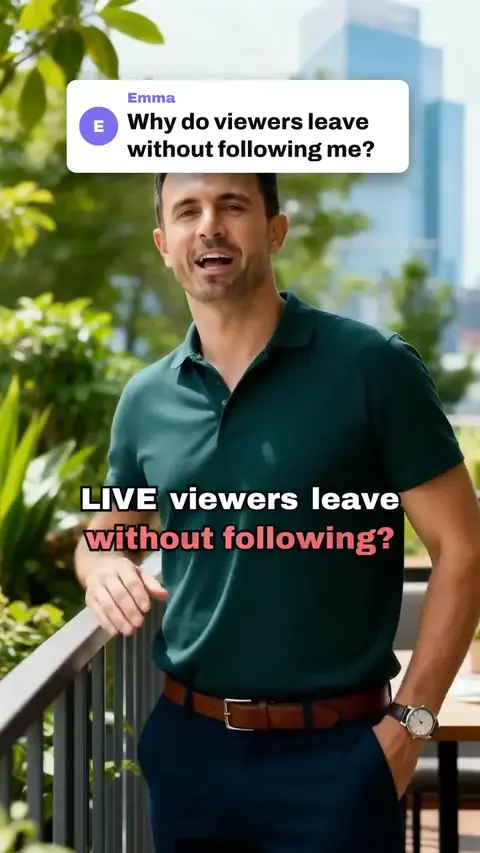
A tips video for TikTok LIVE hosts: tell viewers what they get, go live at the same time each week, thank every new follower.
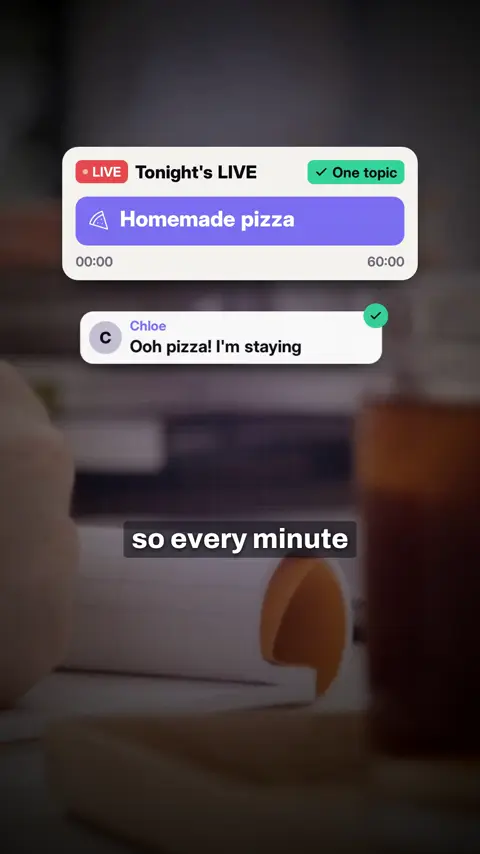
Pick one topic only, say in your first sentence what viewers will learn, and answer questions as they come to explain the next step.
Contact us
Every project is quoted to fit. Share your brief and we will come back with a custom quote.
Review your WhatsApp message before sending it.