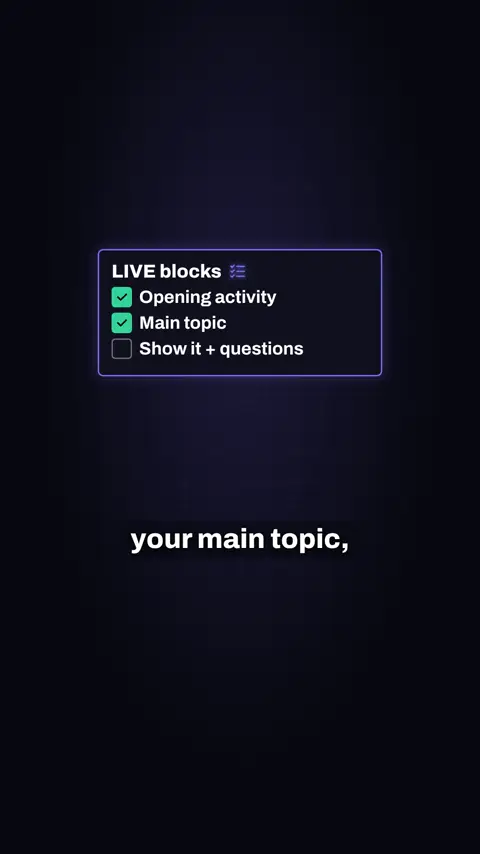
3 things to do before a long LIVE
Split the LIVE into blocks, give every block one clear job, and decide your stopping point before you start.

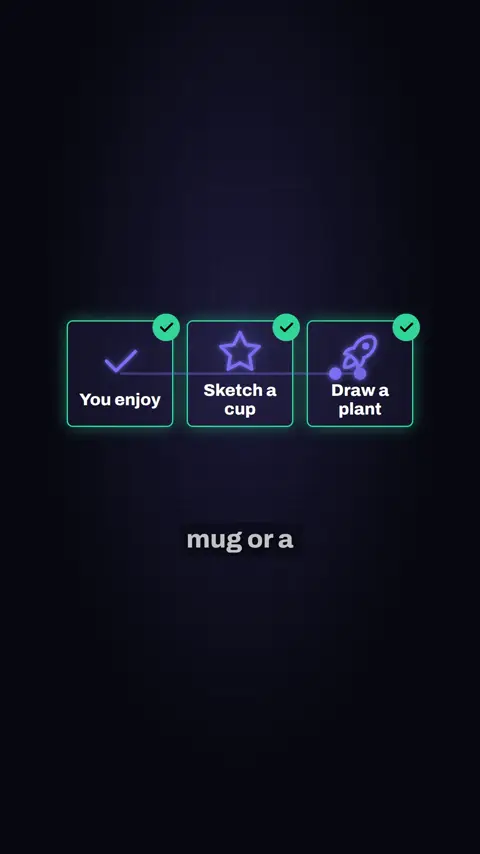
In short: Prepare two activities you enjoy, show both on camera and let chat pick, and set a default so the LIVE starts even if nobody answers.
Some presenters in the videos below are Devign digital creators, made with AI, not real people.
This is a tiktok and live video made by Devign Studio, in English, 0:24 long and cut vertically for TikTok, Instagram Reels and YouTube Shorts.
Spoken in English.
Want chat to shape your LIVE? Here's 3 ways. One: prep two things you actually enjoy, like sketching a mug or a plant. Two: show both, chat picks, then do exactly that. No chopping and changing. Three: nobody answering? Kick off your default anyway. Make it fun for lurkers too. Devign's team helps you plan segments like this before you go LIVE.
Devign is a software studio and TikTok LIVE agency in Lebanon. Devign Studio makes the videos, and the apps and the creator agency come from the same team.
Split the LIVE into blocks, give every block one clear job, and decide your stopping point before you start.
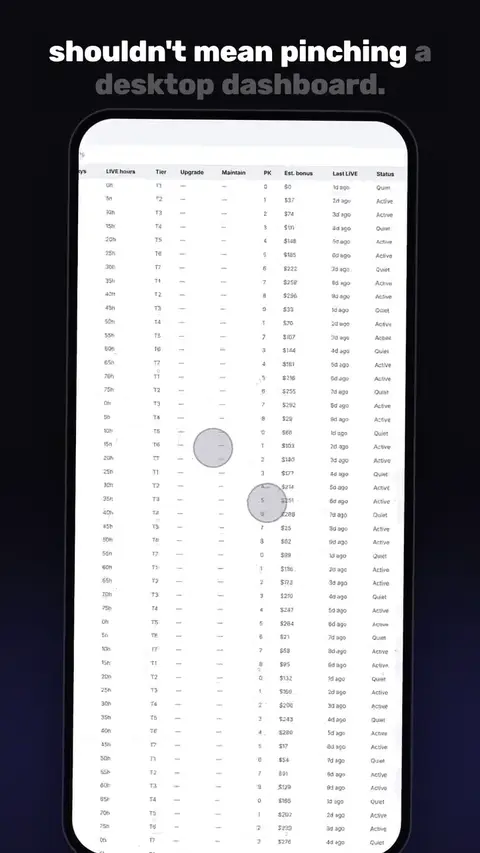
Moves a TikTok LIVE agency off the desktop spreadsheet into the TCN Agent app: targets, pace, roster health and projected bonus.
Never leave the LIVE running with nobody on camera, do not play songs you have no rights to, and remove hateful comments quickly with a named moderator.
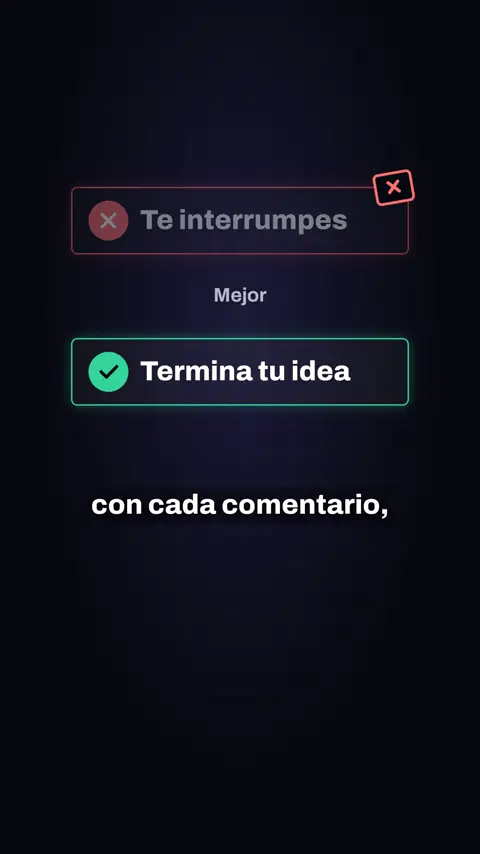
Finish your current thought first, group similar questions and answer them together, and pick one good question to answer fully before taking the next. Spoken and captioned in Latin American Spanish.
Contact us
Every project is quoted to fit. Share your brief and we will come back with a custom quote.
Review your WhatsApp message before sending it.