Devign Agency Suite in 27 seconds
Motion-graphics product film: the 'how many diamonds do I have?' inbox turns into one app that answers it.

In short: Motion-graphics tips video: pick one small skill, show it in three short steps and repeat the key step twice, then ask viewers to try it and share the result in chat. Spoken and captioned in Brazilian Portuguese.
Some presenters in the videos below are Devign digital creators, made with AI, not real people.

This is a motion graphics video made by Devign Studio, in Brazilian Portuguese, 0:23 long and cut vertically for TikTok, Instagram Reels and YouTube Shorts.
Spoken in Brazilian Portuguese.
Como fazer um quadro educativo na live do TikTok? Olha 3 jeitos. Um: escolhe uma habilidade pequena, tipo passo de receita ou dica de celular. Dois: mostra em três passos curtos e repete o passo principal duas vezes. Três: pede pra galera testar e contar o resultado no chat. Devign te ajuda a organizar isso num quadro claro na live.
Devign is a software studio and TikTok LIVE agency in Lebanon. Devign Studio makes the videos, and the apps and the creator agency come from the same team.
Motion-graphics product film: the 'how many diamonds do I have?' inbox turns into one app that answers it.
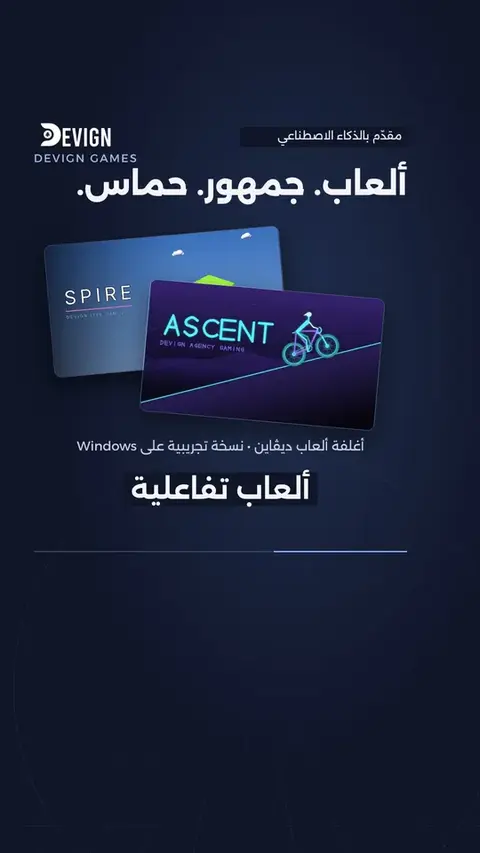
Motion graphics, product details and a message in Arabic.
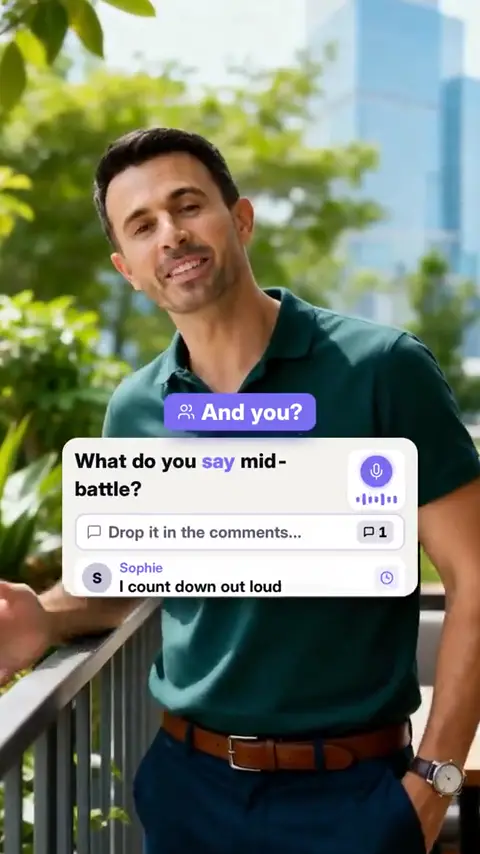
Motion-graphics tips video: going into a battle cold without warming up the room, going quiet instead of calling the battle, and forgetting to thank viewers after it ends, win or lose.
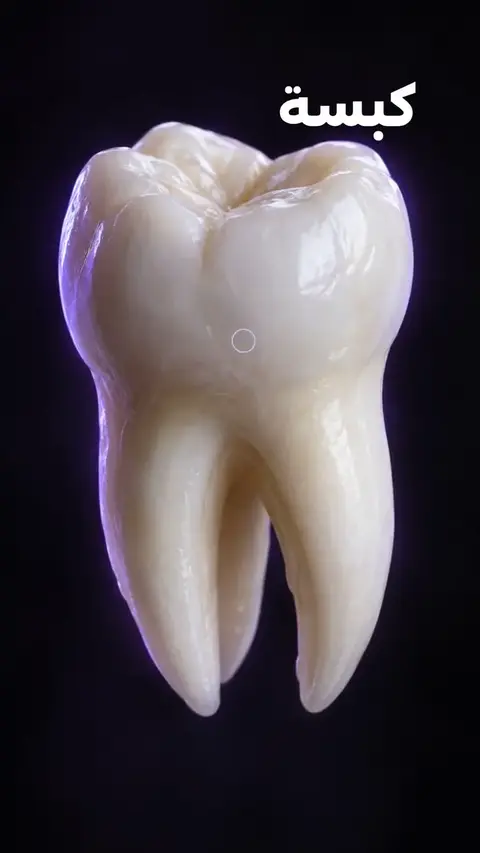
Arabic motion-graphics promo for Devign's dentist app: patient files, a one-tap tooth chart, calendar sync and invoices.
Contact us
Every project is quoted to fit. Share your brief and we will come back with a custom quote.
Review your WhatsApp message before sending it.